
CHOOSE
UPLOAD FROM YOUR CAMERA ROLL.
Pick a clear photo of a person, pet, object, drawing or food. No account is required to start.
You approve every detail before ordering. Here is exactly how your photo becomes a shaped cushion.
UPLOAD A PHOTO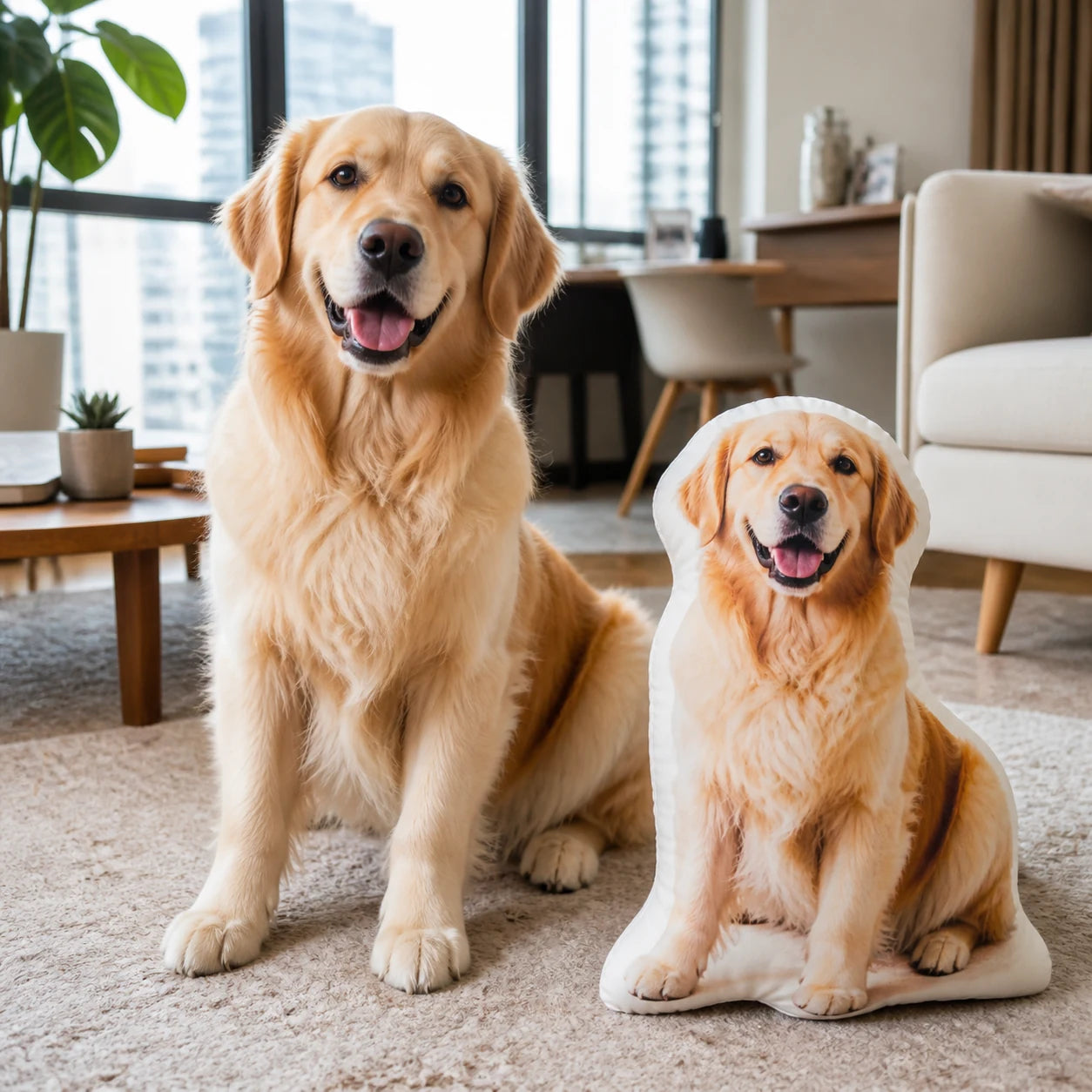
Pick a clear photo of a person, pet, object, drawing or food. No account is required to start.
The background is removed automatically. Use erase and restore to correct anything around hair, fur or small details.
Choose shaped, square or rectangle. Rotate the pillow to inspect the vivid front, subtle white seam, curved sides and white fabric back.
Choose 30, 40, 50 or 60 cm, then keep the white back, mirror the same approved photo onto both sides or print text behind.
Your approved design and options stay attached to the Shopify order so the correct pillow is produced and delivered.